Trust & transparency
Evidence & disclosures
Not yet classified. This article has not yet been classified under the current editorial standard. It may predate the policy; do not assume a product was owned, tested, supplied, or independently verified unless the article says so.
Linked references: 13 explicit sources in the article.
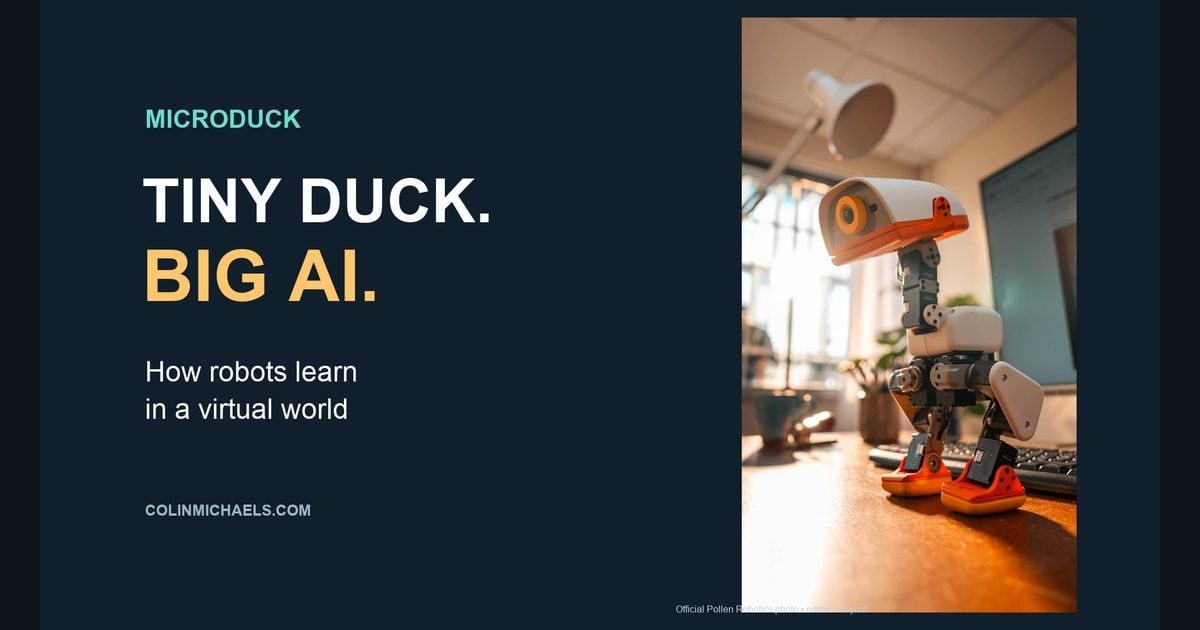
I have a weakness for little gadgets that look like they wandered out of a science-fiction movie. Give one feet, a duck-shaped head, and the ability to do a somersault, and you have my attention.
That is the appeal of Microduck, the tiny robots NVIDIA founder and CEO Jensen Huang showed onstage at GTC Berlin on October 21, 2026. In the clip below, he asks them to sit, stand, take a nap, and roll over. There is just enough awkwardness to make the whole thing feel like a very expensive preschool field trip.
But the part I want to understand is what happened before those little feet ever touched the stage: learning movements inside a computer, then using those skills in the physical world.
This is a look at the demonstration and the published technology, rather than a hands-on review. I have not tested a Microduck myself.
Watch the little ducks steal the stage
Watch the Microduck keynote clip from DPCcars.
Around 0:35–0:55, Huang connects the robots to RTX Spark, cloud supercomputers, and an Omniverse digital twin. Around 1:43, he brings the conversation back to teaching new skills and asks for a somersault.
The charming stage interaction is a demonstration of behavior. It does not establish that every spoken sentence is being understood independently by each robot; the clip alone does not reveal the command routing behind the performance.
What exactly is a Microduck?
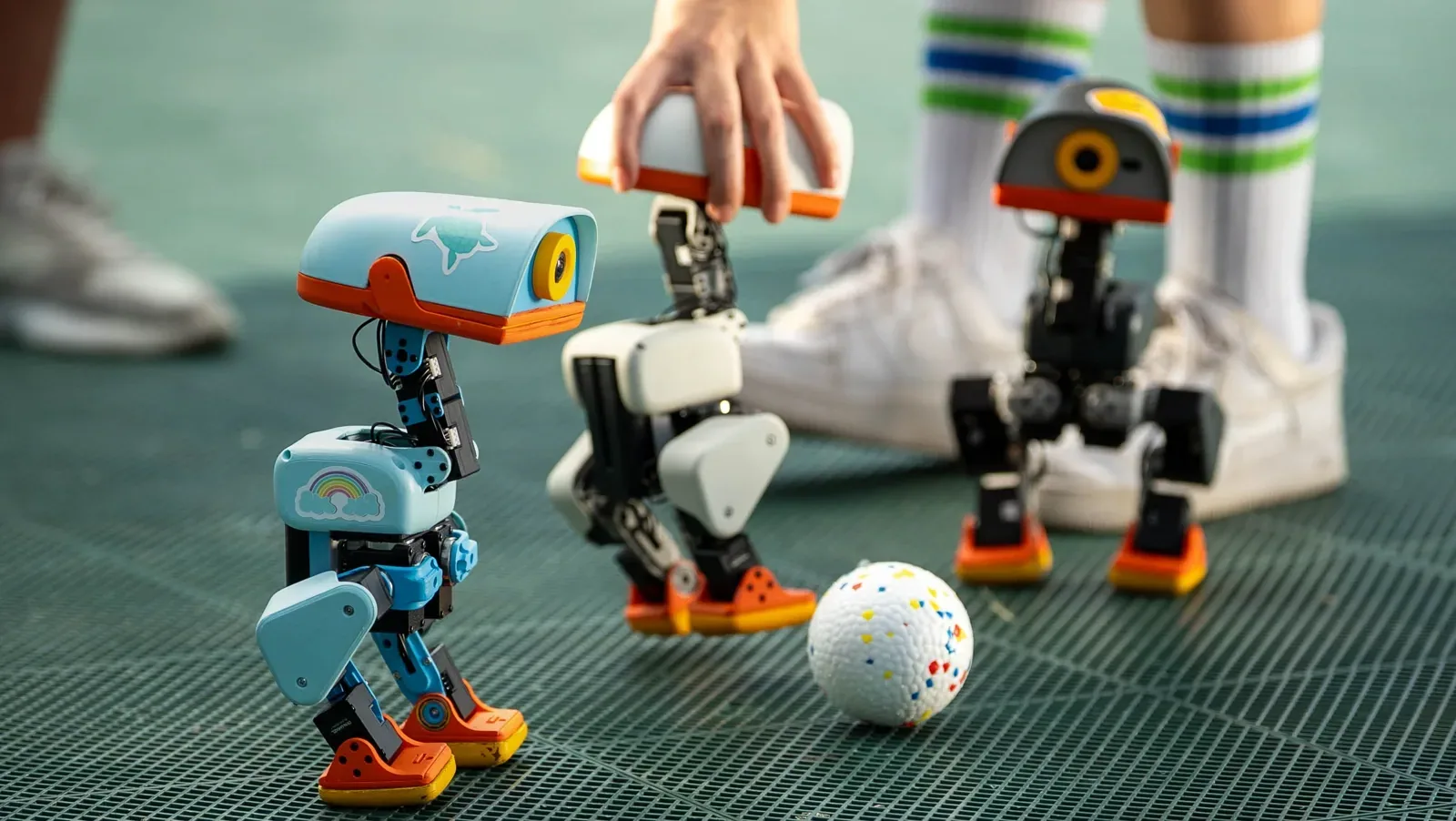
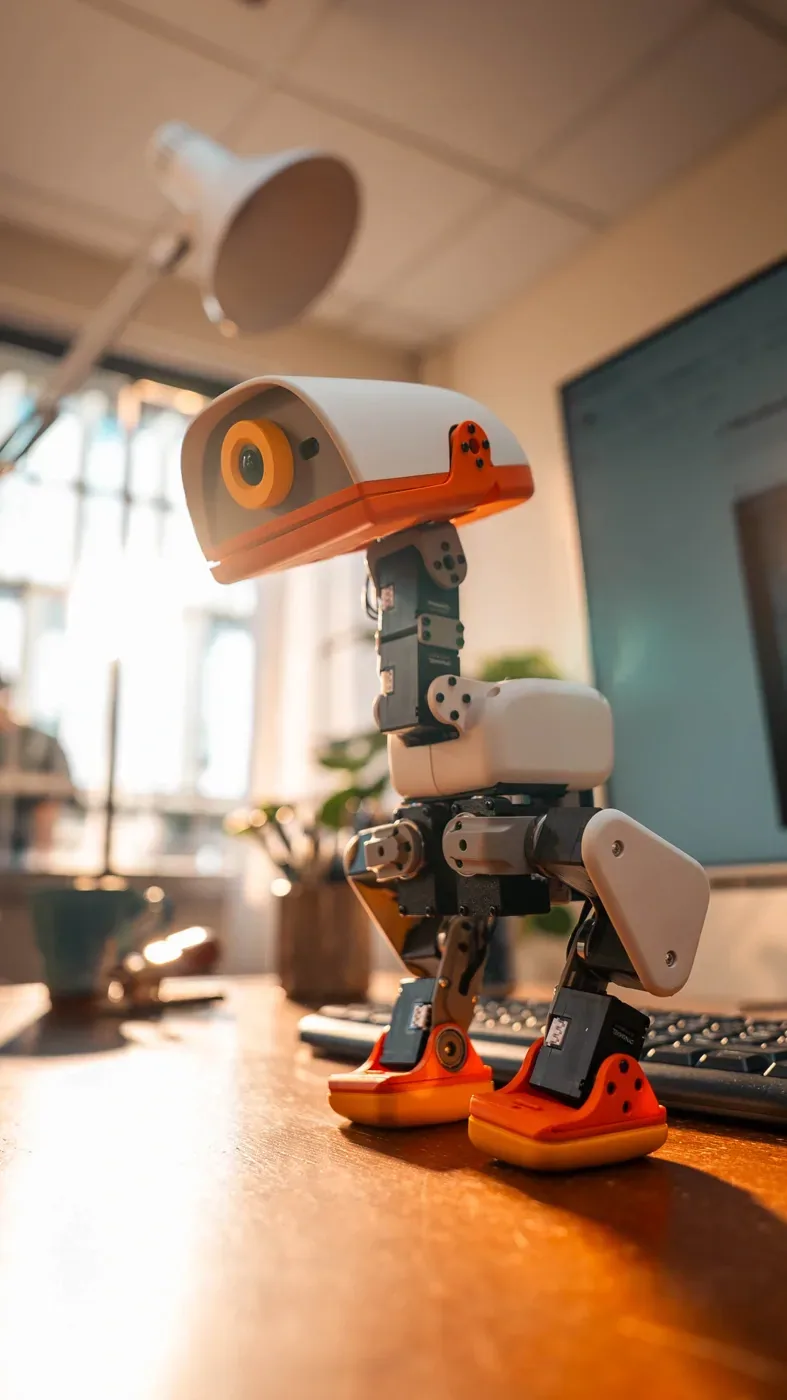
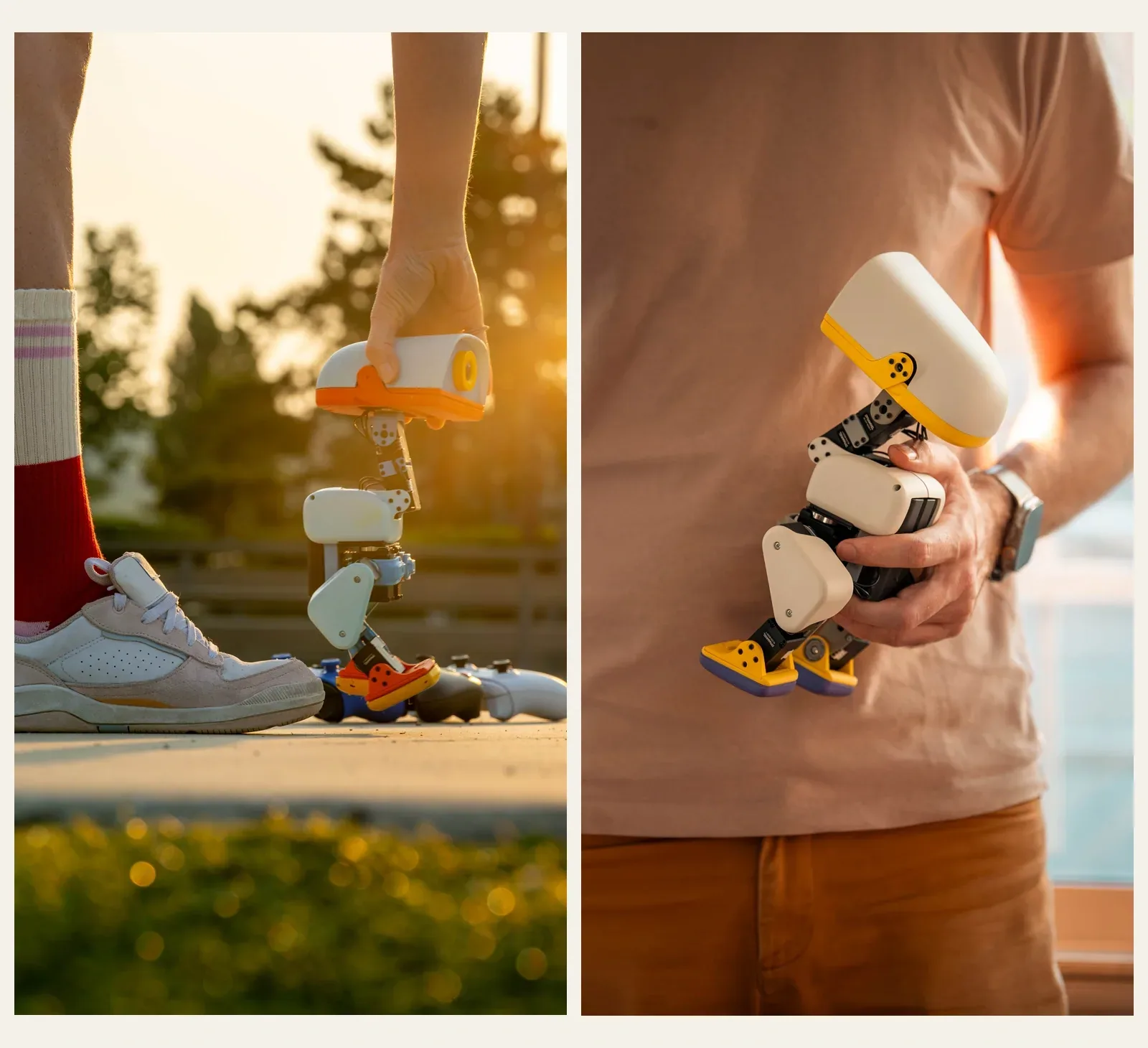
Microduck comes from Pollen Robotics, the robotics team at Hugging Face. The official product page describes a roughly 10-inch-tall biped with 15 motors, weighing about 800 grams—around 1.8 pounds. Its equipment includes a camera, LiDAR for distance sensing, and two IMUs, the motion sensors that help measure orientation and movement.
Pollen shows walking, sitting and standing, kicking, picking things up with the beak, getting back up, and skating with roller attachments. That beak has a job beyond making the robot look like it belongs in a Pixar casting call.
What interests me most is the open software: owners can inspect the code and train additional movement skills. It is a playful doorway into robotics, with something substantial behind it. Pollen's product overview
How do you train a robot inside RTX Spark?
Start by separating the computer from the robot. RTX Spark provides computing power for development and AI work. The physical duck is the machine that eventually performs the learned movement.
NVIDIA's October 21 report specifically describes agents running on RTX Spark being used to train Microduck with Isaac Lab, Hermes Agent, and Nemotron 3.5 Bolt 74B. That supports the RTX Spark connection in the video. Huang also mentions cloud training, so I would not interpret the performance as proof that all development and training happened on one laptop. NVIDIA's GTC announcement
RTX Spark is a current Windows PC platform combining NVIDIA Grace CPU and Blackwell RTX GPU technology. NVIDIA lists configurations with up to 128GB of unified memory. In everyday terms, the CPU handles general work while the GPU can do many calculations together, which is useful when experimenting with simulated robots and AI models. NVIDIA's RTX Spark launch announcement
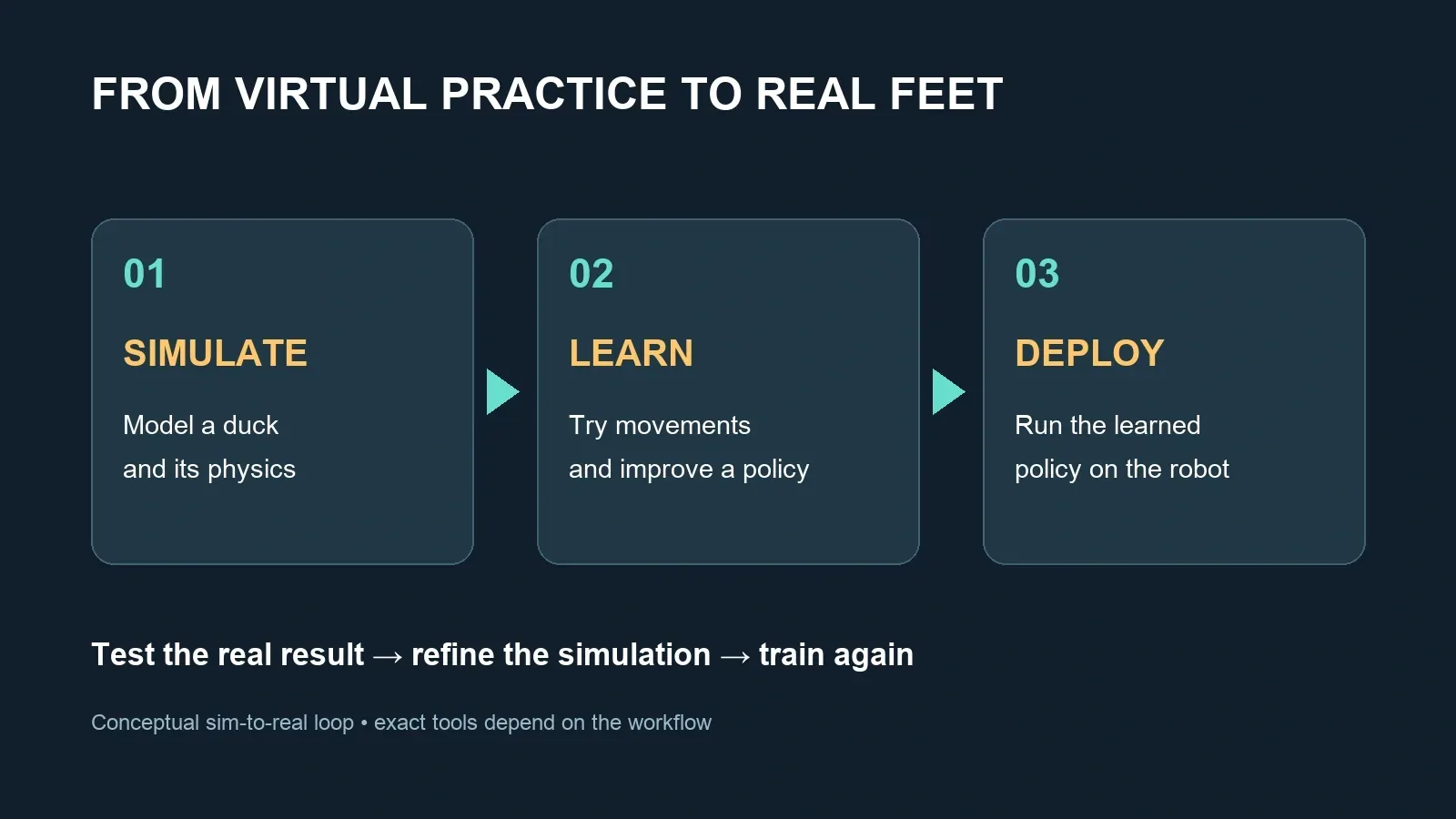
Think of the workflow as a practice room with a reset button:
- Build a virtual duck. Model the body, joints, motors, floor, and physics. A useful digital twin must behave enough like the real machine to teach something transferable.
- Give it a goal. For walking, that might mean moving at a requested speed while keeping its balance.
- Let it try and score the results. Reinforcement learning improves a movement policy—a learned rule for choosing actions—from feedback about its attempts.
- Repeat across many virtual copies. GPU acceleration lets developers gather experience from parallel simulations instead of waiting for one physical duck to fall over, get picked up, and try again.
- Transfer and test. Export the learned controller, run it on the robot, and check where the physical result differs from the simulation.
Isaac Lab is NVIDIA's framework for this kind of robot learning. Isaac Sim supplies tools for building and testing physically simulated environments using Omniverse libraries. They have related roles, but they are not interchangeable names for the computer itself. Isaac Lab, Isaac Sim
The cute part is easy. The physics is the hard part.
A virtual floor can be perfectly predictable. Your floor has its own opinions.
Small motors have friction, delays, and mechanical play. Batteries change as they discharge. If training assumes ideal hardware, a beautifully walking simulated duck can become a face-first physical duck.
Pollen's public training repository is especially interesting here. It documents MuJoCo Warp through mjlab, with PPO, a reinforcement-learning algorithm. It also describes varying battery conditions, friction, and delays during training, plus modeling motor behavior and gear play. These variations help prepare policies for imperfect hardware. The technique is called domain randomization. Pollen's training repository
That is a useful distinction: NVIDIA describes an Isaac Lab demonstration; Pollen publishes a MuJoCo/mjlab training recipe. I would not label every shipped Microduck skill an Isaac Sim or Newton-trained skill from those facts. The tools are related—mjlab uses Isaac Lab's manager-based API with MuJoCo Warp—but their names still describe different pieces of software. mjlab's documentation
Where does the learned skill live afterward?
Pollen's runtime documentation identifies a Rockchip RK3566 onboard computer and a 50Hz control loop. That means the movement controller runs 50 times a second. The training project exports policies in ONNX format for the robot's runtime to load. Microduck runtime documentation
Training is the expensive practice phase. Running the resulting policy is the repeated decision phase: read the current state, choose motor targets, repeat.
The laptop does not have to shrink down and climb inside the duck. And a language model helping with a training workflow is a different component from the movement controller keeping the robot upright.
Try the idea before buying the duck
My first step would be the official browser simulator, linked from Pollen's product page. Use it to explore the simulated robot; opening a demo is not the same as training a new policy.
Your two-minute duck challenge: Open Pollen’s interactive Microduck simulator. Explore the available controls, then notice which changes steer the robot and which let you inspect the virtual world. If the demo is loading or unavailable, return to the keynote links above. This is a simulator to explore, not a training session.
Then watch the keynote again with one question in mind: What is the requested behavior, and what continuous balancing work has to happen underneath it? Sitting sounds simple until you imagine coordinating the joints without tipping over.
For anyone tempted to order, Pollen currently advertises a $399 introductory preorder price before taxes and shipping. Its press kit targets first deliveries before Christmas 2026 in North America and Europe. Those are the maker's plans, not a delivery guarantee. Huang's sold-out remark in the clip and the website's preorder offer also need to be kept separate; check the store for the current batch. Pollen's press kit
If you could teach Microduck one new trick, what would you choose?
Pick your next experiment. These are reader ideas, not promised product capabilities. Sign in on the published site to vote.
- A little victory dance
- An obstacle-course waddle
- A tiny fetch-and-return routine
- More reliable recovery after a fall
Final Thought
Yes, I want to see the little duck do another somersault. I am not going to pretend otherwise.
But what makes Microduck worth paying attention to is the connection between a virtual experiment and something moving in front of you. Change the training, test the result, and eventually watch a real machine do something new.
That is a pretty good way to make a complicated subject feel approachable. Apparently, giving it a beak helps.