Trust & transparency
Evidence & disclosures
Evidence basis: Mixed evidence. The article combines more than one evidence type; the evidence summary identifies which claims come from which basis.
Combines my Firebase deployment experience with official Hosting, custom-domain, and pricing documentation; commands, billing, and DNS results vary by project.
Sources checked: Aug 20, 2026
Linked references: 3 explicit sources in the article.
How to Put Your First Web Page Online with Firebase Hosting
Putting a website online sounds like one of those things that should require a secret handshake, three expensive subscriptions, and somebody named Brad who "knows servers."
It really does not.
For a first personal site, the shape can be much simpler: make one page, put it on Firebase Hosting, get a public URL, and later point a domain name at it. That is enough to go from "I have files on my computer" to "other people can open my site."
TLDR
- Firebase Hosting is a simple first step for publishing a small personal site, static page, or starter web app.
- You can start with the free Firebase-provided URLs before buying a domain.
- A domain is the human-friendly name, like yourname.com.
- DNS is the set of records that tells the internet where that name should go.
- Deploy means copying your finished site files to the hosting service so the public can see them.
- The main path is: create a Firebase project, run firebase init hosting, run firebase deploy --only hosting, then connect your domain in Firebase.
- The hosting part can be no-cost for small sites within Firebase limits, but the domain name usually costs money each year.
Don't feel like reading? Listen and watch the YouTube video below.
The Words Are The Hard Part
Most website tutorials lose people because they start with commands before explaining the nouns.
So here are the nouns.
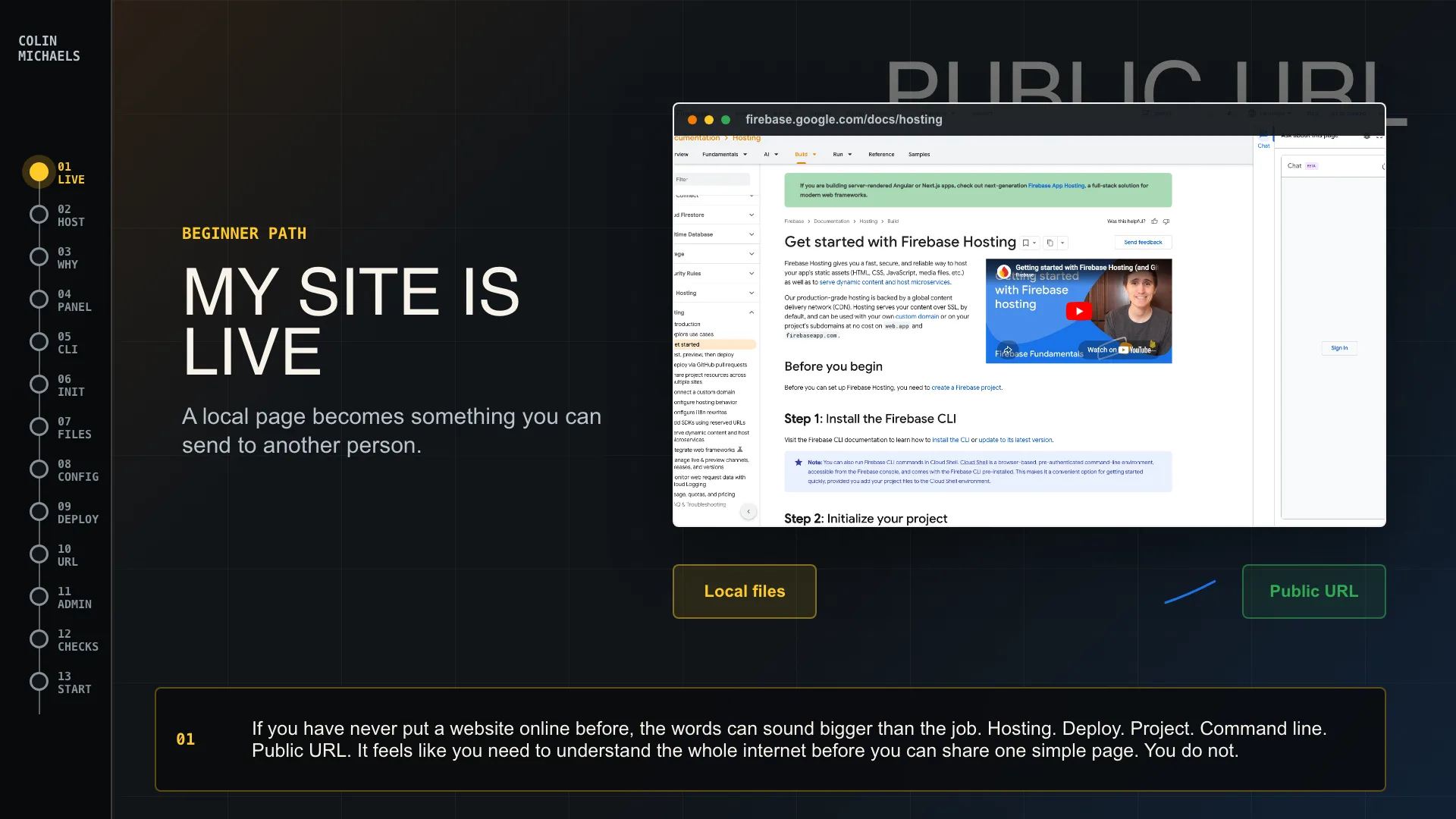
A website is just files. At the simplest level, that means an index.html file, maybe a CSS file, maybe a little JavaScript, and some images. Your laptop can open those files, but nobody else can unless you put them somewhere public.
Hosting is that public place. It is where your site files live so browsers can load them.
A domain is the readable address. colinmichaels.com is a domain. my-first-site.web.app is also an address, but a custom domain feels more personal and permanent.
DNS is the address book. When someone types your domain into a browser, DNS tells the browser where that domain should send traffic.
Deploy is the act of sending your site files to the host.
That is the whole mental model. Files, host, domain, DNS, deploy. Suddenly it is less mystical and more like mailing a package to the right address.
Why Firebase Hosting Is A Nice First Step
Firebase Hosting is friendly for this kind of project because it gives you a clear path and a real public URL quickly.
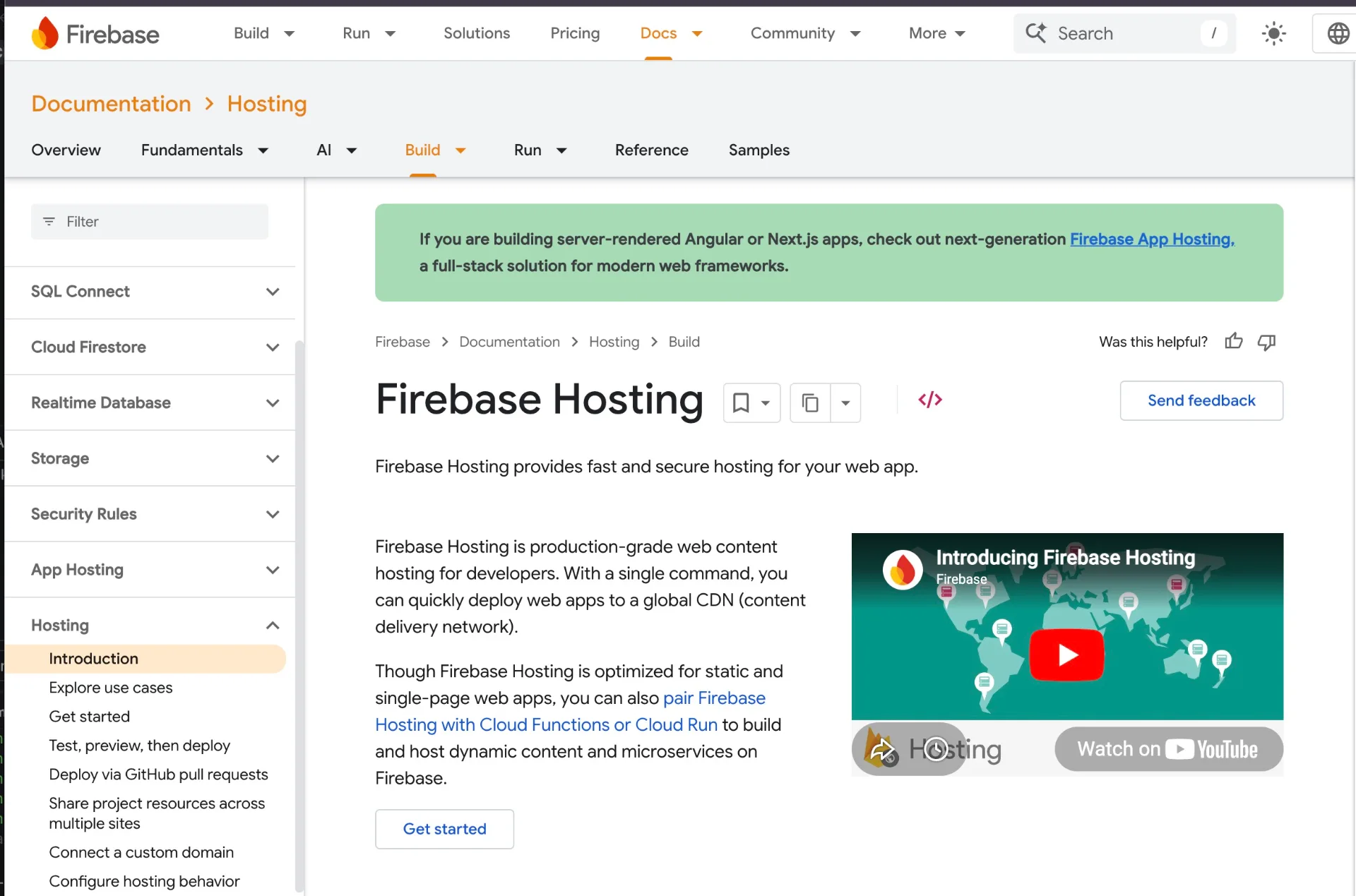
The official Firebase docs describe Hosting as a way to serve static assets like HTML, CSS, JavaScript, and media files. It serves content over SSL by default, can use your own custom domain, and also gives your project Firebase-provided subdomains on web.app and firebaseapp.com.
That matters for beginners because you do not have to solve everything on day one.
You can publish the site first. You can worry about the perfect domain later.
Firebase's pricing page also lists a no-cost Spark plan, with Hosting limits for storage and data transfer. As of this writing, the no-cost Hosting limits shown by Firebase are 10 GB storage and 360 MB per day of data transfer. That is plenty for a small personal site, resume page, hobby page, or small business starter page, but it is still a limit. If the site gets popular, check the pricing page before assuming it stays free forever.
Also: the domain is separate. Firebase can host the site at no cost within limits, but yourname.com usually has an annual registration cost from a domain registrar.
The Simple Path
Here is the beginner version.
First, create a Firebase project. Think of the project as the container for your website settings.
Second, install and log into the Firebase CLI. The CLI is the command-line tool that talks to Firebase from your computer.
Third, put your website files in a folder. If you are starting from nothing, that can literally be a folder with one index.html file in it. Fancy can wait. Fancy usually waits badly anyway.
Then, from that folder, run:
firebase init hosting
That command connects your local site folder to your Firebase project. The Firebase docs say the setup asks you which project to use, what folder should be treated as the public folder, and whether the site should behave like a one-page app.
If you are making a simple static site, the default public folder is usually fine. Firebase can even create a basic index.html and 404.html if they are not there yet.
When you are ready to publish, run:
firebase deploy --only hosting
That is the moment where your files leave your computer and go online. Firebase then gives you public URLs like:
- PROJECT_ID.web.app
- PROJECT_ID.firebaseapp.com
Open one of those in your browser. If your page loads, congratulations. You have a website on the internet. It may not have changed the world yet, but honestly, it is already ahead of a lot of ideas that never made it out of a notes app.
Buying A Domain Comes After The First Win
I would not tell a beginner to buy a domain before they have seen the Firebase URL work.
Get the free Firebase URL working first. That proves the site builds, the folder is correct, and the deploy works.
Then buy the domain.
You buy a domain from a registrar or DNS provider. Examples include Cloudflare, Namecheap, Squarespace, Google Cloud DNS, and plenty of others. The registrar is not necessarily your website host. It is more like the office where you register the name and manage the address book.
When you buy the domain, skip the panic shopping. Registrars love upsells: email, privacy add-ons, website builders, premium security bundles, mysterious checkboxes with dramatic language. Some of those things can be useful. Many are not needed for a first static website.
For a first personal site, the core thing you need is the domain and access to edit its DNS records.
Pointing DNS To Firebase
Once the domain is yours, go back to Firebase Hosting and use the custom domain wizard.
Firebase will ask what domain you want to connect. Then it will give you DNS records to add at your domain provider. In plain English, Firebase is saying, "Put these records in the domain's address book so I can prove you own it and serve your site."
The first record is often a TXT record used for ownership verification. That tells Firebase, "Yes, the person setting this up controls the domain."
After verification, Firebase tells you which A or AAAA records to add so traffic goes to Firebase Hosting. Some providers call the fields different names. Firebase's docs point out that the same field might be called Host, Name, Domain, Value, Data, Points To, Content, Address, or IP Address depending on the provider. This is deeply annoying, but it is normal.
The practical idea is:
- Firebase gives you the records.
- Your domain provider is where you paste them.
- DNS takes time to spread.
- Firebase provisions SSL so the site works over HTTPS.
For Quick Setup, Firebase says SSL provisioning may take up to 24 hours after pointing DNS to Firebase Hosting, although it often happens within a few hours. So if it does not work instantly, that does not always mean you broke it. Sometimes the internet is just taking its sweet technical time.
What Can Go Wrong
The most common beginner problems are boring, which is secretly good news.
One common problem is deploying the wrong folder. If Firebase is looking at public, but your real site files are in dist, build, or some other folder, your site may deploy an old page or a blank starter page. Check firebase.json and make sure the public folder matches the folder that actually contains your finished index.html.
Another common problem is leftover DNS records. If your domain still has old A records, CNAME records, or AAAA records pointing to another service, Firebase may not connect cleanly or may not provision SSL. Firebase's custom domain docs specifically warn to remove conflicting records when using Quick Setup.
A third problem is expecting DNS to be instant. Sometimes it is fast. Sometimes you wait. This is one of those places where patience feels suspiciously like debugging.
Finally, do not publish private files. Firebase Hosting is for public web content. If you put a file in the deployed public folder, assume somebody can access it. Do not put passwords, private notes, database exports, API keys, medical paperwork, tax documents, or anything else sensitive in there.
My Beginner Recommendation
If someone asked me how to get their first personal site online, I would keep the first version almost comically small.
Make one page.
Put your name at the top.
Add one sentence about what you do.
Add one project, photo, service, or contact link.
Deploy it to Firebase Hosting.
Open the web.app URL on your phone.
Send it to one trusted person.
Then improve it.
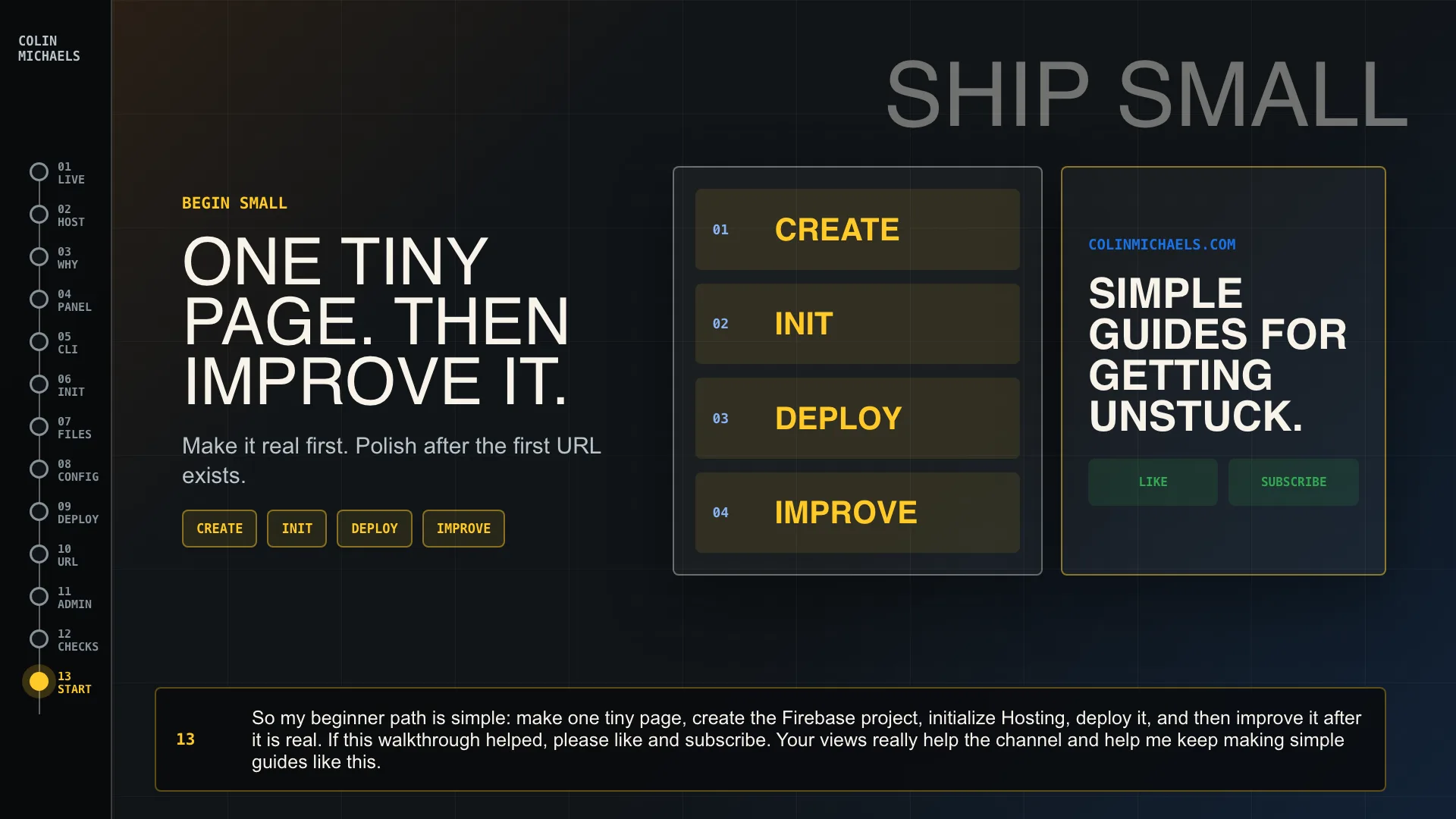
The first goal is not to build the final version of your online identity. The first goal is to make the loop real: edit, deploy, refresh, share.
Once that loop works, the domain step feels much less intimidating. You are not trying to understand the entire internet anymore. You are just pointing a name at something that already works.
Source Notes
the official Firebase Hosting quickstart: https://firebase.google.com/docs/hosting/quickstart
Firebase custom domain documentation for DNS and SSL details: https://firebase.google.com/docs/hosting/custom-domain
For the no-cost Hosting caveat, Check the Firebase pricing page: https://firebase.google.com/pricing
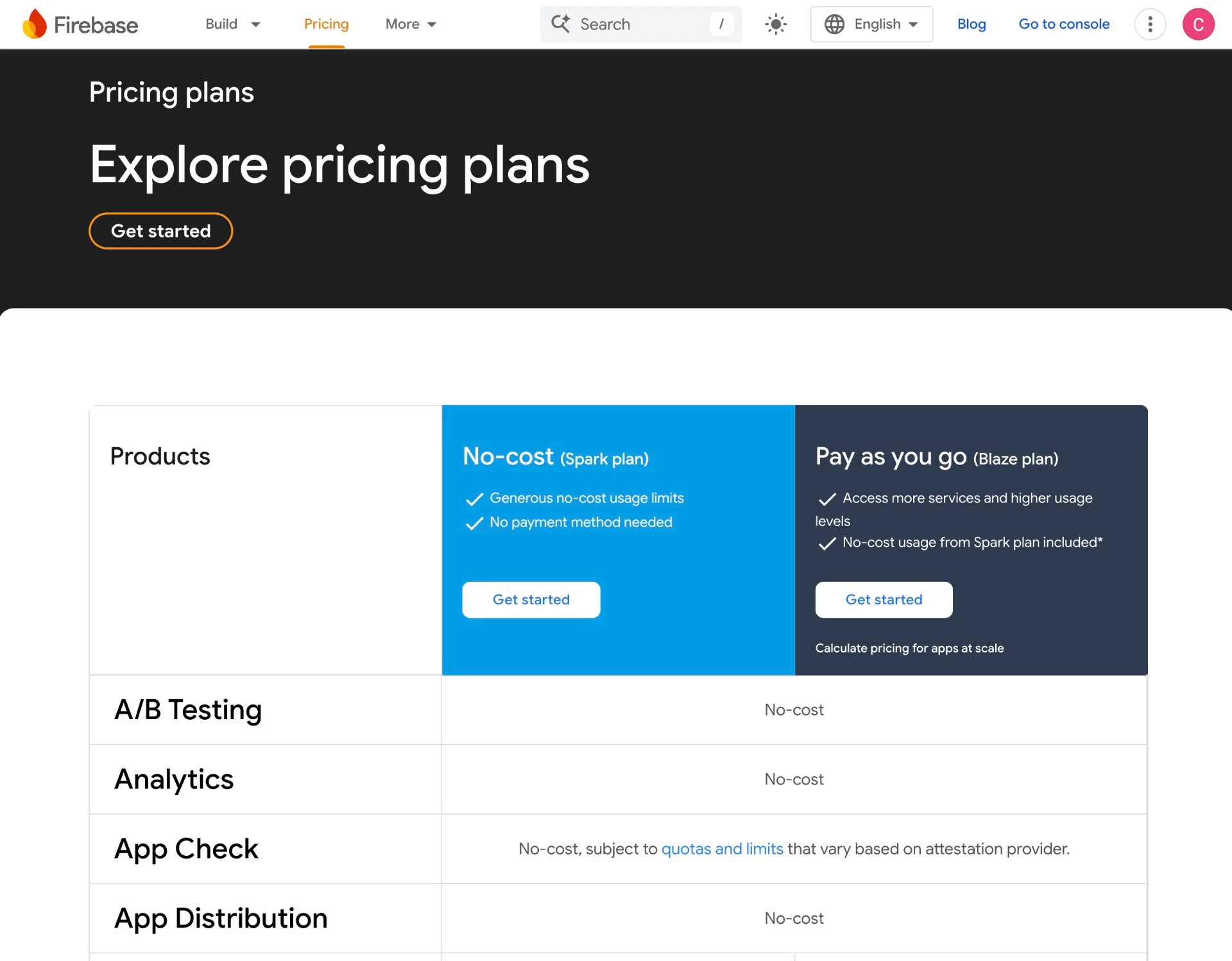
Firebase documentation changes over time, and pricing especially deserves a fresh check before publishing anything that promises "free."
Firebase Hosting is a simple no-cost first step for small static sites within the current plan limits, while a custom domain is usually a separate yearly cost.
Final Thought
A personal website does not need to start as a masterpiece.
It can start as one honest page with your name on it.
Firebase Hosting is useful because it makes the first public version feel reachable. Buy the domain, point DNS at Firebase, deploy your page, and you are done enough to begin.
That last part matters. Done enough to begin is usually where the good stuff starts.