Trust & transparency
Evidence & disclosures
Evidence basis: Manufacturer-supplied evidence. Material claims or demonstrations came from the company responsible for the product and are not independent results.
Compared manufacturer specifications with venue policy, FAA battery rules, and the CPSC recall notice; I have not tested or purchased these power banks.
Sources checked: Aug 15, 2026
Linked references: 13 explicit sources in the article.
A dead phone at a concert or football game is no longer just mildly annoying. The phone may be the ticket, the map, the camera, the group-text lifeline, and the ride home. That makes an event-day power bank sound like an easy purchase—right up until a search gives you a wall of capacities, wattages, built-in cables, magnetic charging, and phrases like “stadium approved.”
I started looking at this because I may buy one myself. I do not own any of the power banks in this article, none were supplied to me, and I have not run a hands-on charging test. This is a neutral comparison of current manufacturer specifications, venue guidance, and the jobs each configuration is supposed to do.
Anker's stadium-and-concert guide gave me a useful roadmap: think about the whole day, not just the hours in your seat. I kept that idea and removed the one-brand shopping list.
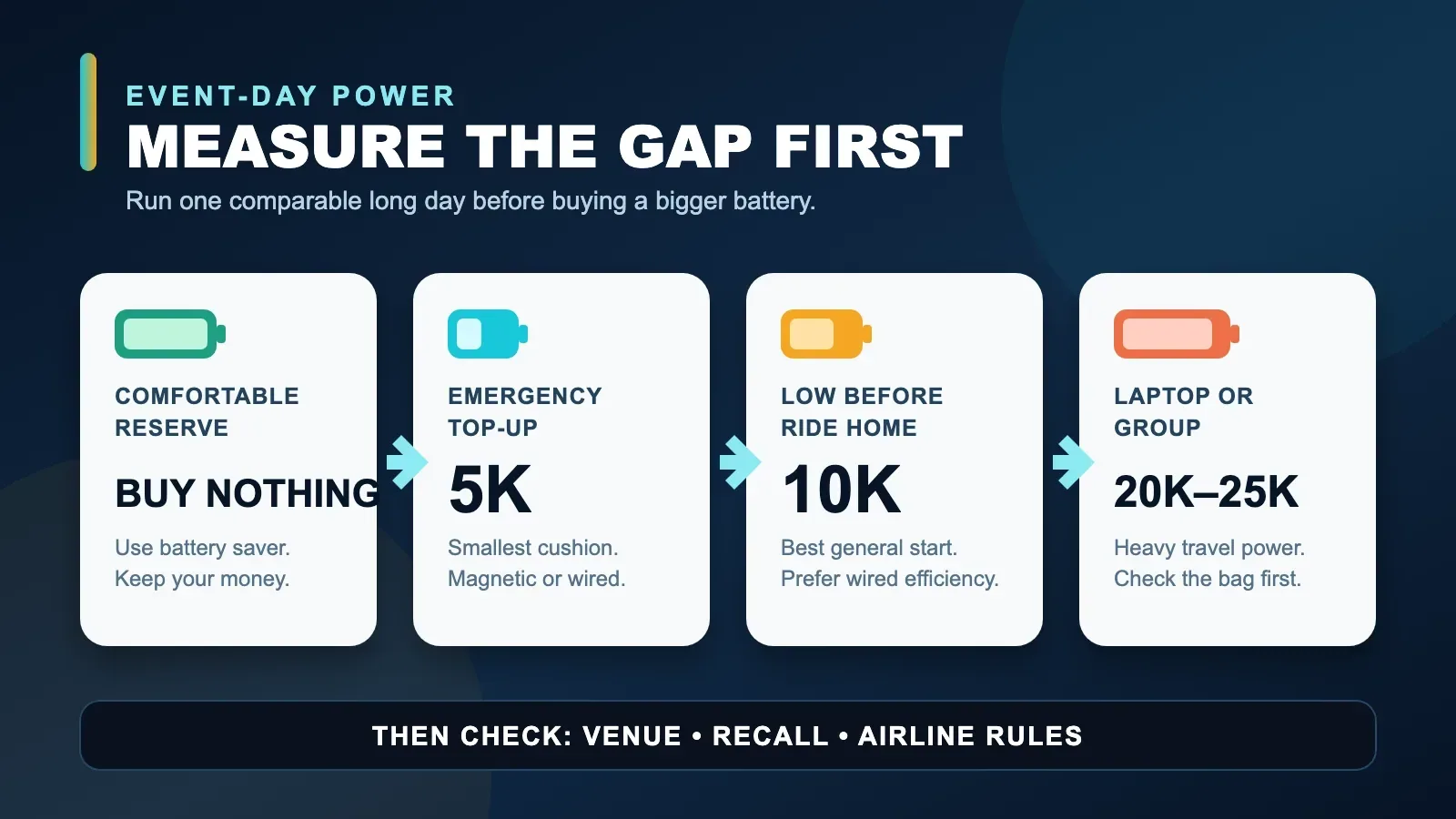
The Short Answer
- Buy nothing yet if your phone already finishes a comparable long day with a comfortable reserve.
- Look at a 5,000mAh magnetic model if you want the smallest cable-free emergency top-up and your phone and case support proper magnetic alignment.
- Start with a 10,000mAh wired model if you want the best general event-day balance of size, useful energy, and charging efficiency.
- Consider a 9,600mAh charger-and-battery hybrid if it can replace a laptop wall charger on the travel portion of the trip.
- Move to 20,000–25,000mAh only when you are sharing power, charging several devices, or bringing a laptop. It is a travel tool first and an in-stadium accessory second.
My own paper shortlist starts in the 10K wired category. I have not chosen or bought one yet.
First, “Stadium Approved” Is Not a Universal Certification
This is the most important correction to the marketing language.
The NFL's clear-bag policy specifies allowed bag styles and dimensions, then tells fans to visit the individual team's website for stadium-specific guidance. A battery fitting inside an approved clear bag does not automatically make the battery an approved item.
Venue rules can also change by building, event, promoter, and date. Before buying anything for a particular concert or game, check two pages on the venue's official site:
- the bag policy
- the prohibited-items or guest-services policy for the specific event
If the policy does not mention portable chargers, ask the venue. A security screener at the gate is not the person I want to debate after paying for parking.
The Better Question: How Much Battery Gap Do You Have?
The biggest power bank is not automatically the best one. It is the heaviest one.
Before shopping, try a simple rehearsal on an ordinary long day. Start with your phone fully charged. Use navigation, photos, messaging, audio, and the brightness level you expect to use at the event. Check the battery when you would normally be waiting for the ride home.
- If you still have plenty left, use battery-saver settings and keep your money.
- If you only need a reassuring emergency boost, compare 5K models.
- If you regularly run low before the trip home, compare 10K wired models.
- If you need to charge several phones, a tablet, or a laptop, then compare 20K–25K models.
That is more useful than guessing how many “full charges” a box will deliver. The advertised mAh number describes the power bank's internal cells, and some energy is lost during voltage conversion and charging. Anker's own product pages acknowledge a roughly 30% to 45% reduction between cell capacity and the energy that reaches devices. Your phone, temperature, cable, charging protocol, and use while charging all change the result.
Option 1: A 5K Magnetic Bank for the Smallest Top-Up
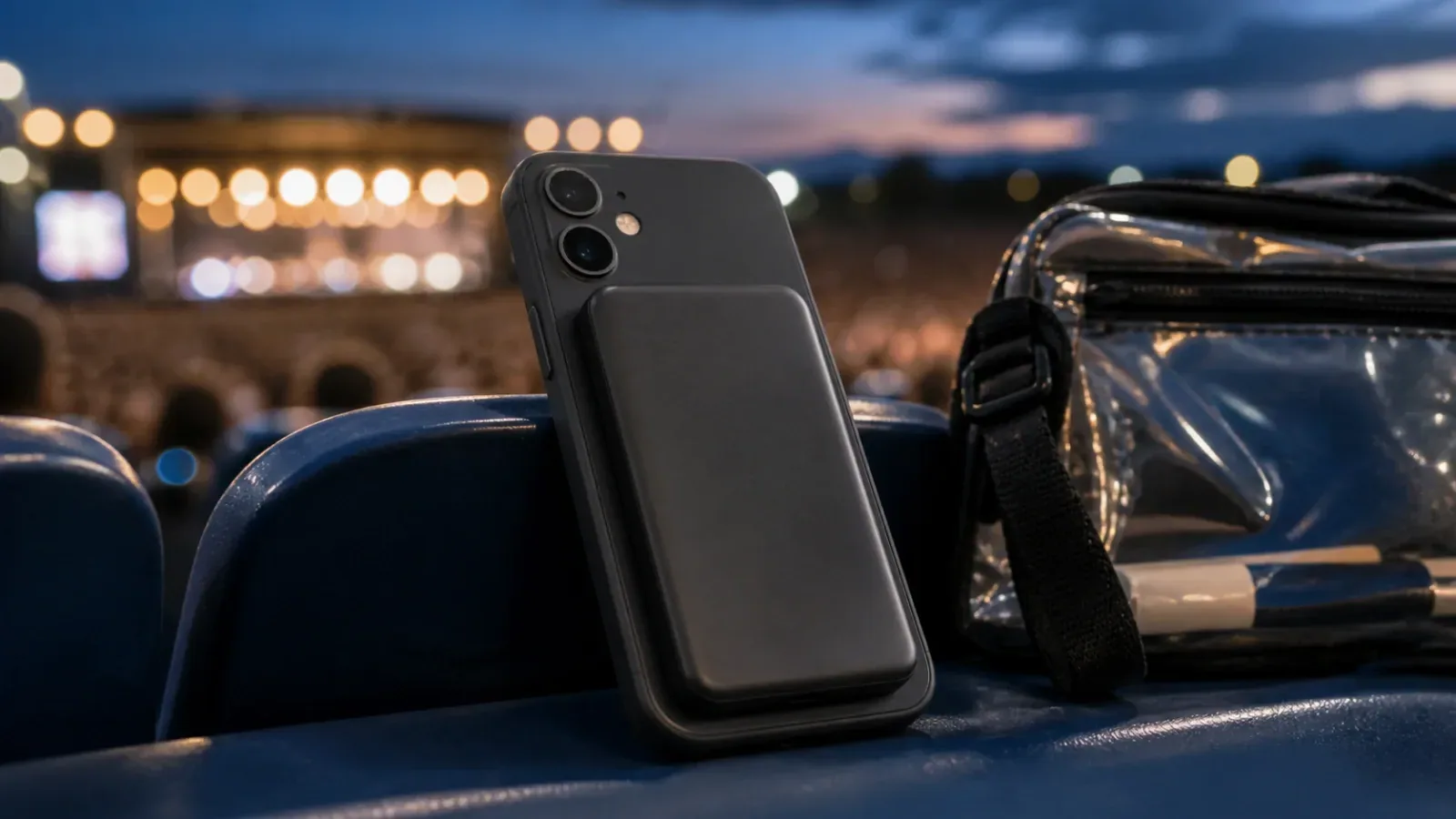
The strongest version of Anker's pitch is the in-seat use case. A thin magnetic battery can stay on the back of a compatible phone without a cable hanging across your hands while you take a few permitted photos or clips.
The Anker Nano Power Bank 5K MagGo Slim lists 5,000mAh capacity, up to 15W Qi2 wireless charging, up to 20W over USB-C, a thickness of 8.6mm, and a weight of 122 grams. Its manufacturer page showed $54.99 when I checked.
The Belkin BoostCharge Slim Magnetic Power Bank 5K with Qi2 is the direct idea-for-idea alternative. Belkin also lists 5,000mAh, up to 15W wireless charging, and up to 20W over USB-C. It is 10.6mm thick. The page showed a $54.99 regular price with a temporary discount when checked.
On paper, Anker has the thinner body and publishes a clear weight. Belkin includes a two-foot USB-C cable and offers the same main charging speeds. Neither specification sheet tells me how comfortable the bank will feel on my phone, whether my case will interfere, or how warm the combination will feel during real use.
What would make me choose this configuration:
- I carry one magnetically compatible phone.
- Cable-free use matters more than maximum efficiency.
- I want a reserve, not an all-day group charger.
- I have confirmed the battery does not block the camera or fit poorly with my case.
What gives me pause:
- Wireless charging generally wastes more energy as heat than a cable.
- Five thousand mAh is an emergency cushion, not a promise of a full phone refill.
- The extra battery changes the phone's weight and balance while filming.
- Magnetic alignment and charging speed depend on the exact phone and case.
This is the convenience pick, not the automatic winner.
Option 2: A 10K Wired Bank for Most Event Days
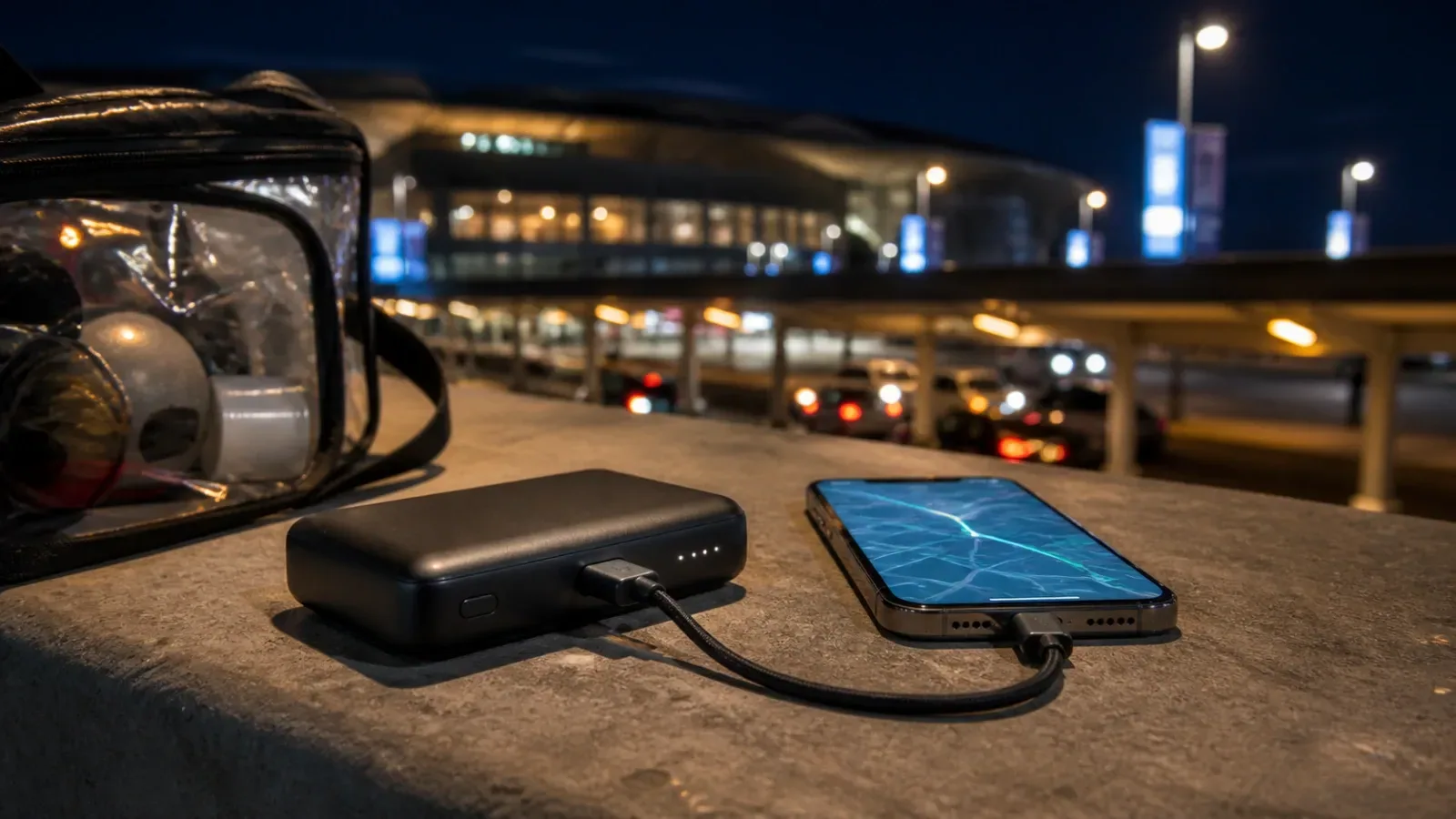
This is where I would start. Around 10,000mAh is still pocketable or easy to place in a small permitted bag, while wired charging usually makes better use of the stored energy.
The current options also show why capacity alone does not choose the product.
Anker Nano 10K, 45W
The Anker Nano Power Bank 10K with a retractable USB-C cable lists 10,000mAh, 45W maximum single-port charging, a 36Wh rating, a built-in 70cm retractable cable, and a display. Anker's U.S. collection page showed $59.99 when checked.
The retractable cable is the real feature. It gives the phone room to move without carrying a separate cord. The catch is that its 45W headline is a single-device figure. Anker's FAQ says output drops when multiple connections are used, so “three devices” does not mean three devices each charging at 45W.
UGREEN Nexode Pro 10K, 45W
The UGREEN Nexode Pro 10K with built-in cable also lists 10,000mAh and up to 45W. Its braided USB-C cable doubles as a short carrying loop, and the bank adds a display and two more ports. The manufacturer page showed $54.99 when checked.
This competes closely with the Anker on capacity and headline speed. The meaningful physical difference is the cable: UGREEN uses a short integrated loop, while Anker uses a longer retractable cable. I would want to handle both before deciding which design is less awkward in a seat or security line.
Belkin BoostCharge 10K, 20W
The Belkin BoostCharge 10K with integrated USB-C cable lists 20W output, a short integrated cable, a second USB-C connection, pass-through charging, and dimensions of roughly 3.9 by 2.5 by 0.9 inches. The page showed $24.99 when checked.
It gives up headline wattage and the display found on the more expensive models. For a phone, that may be a perfectly sensible trade if the bank supports the charging mode the phone actually uses. Paying for 45W does not help a device that will only accept 20W from that connection.
NITECORE NB10000 Gen4, 22.5W
The NITECORE NB10000 Gen4 takes the opposite approach: no permanently attached charging lead, but a very low listed weight of 143 grams, a 39Wh rating, two USB-C outputs, up to 22.5W from one port, and an IPX7 rating. A lanyard-style charging cable is included.
This is the weight-first option on paper. It may appeal to someone who already carries a trusted short USB-C cable and cares more about a light pocket than a retractable cord or color display.
My 10K Decision
I would not rank these four without testing them. I would narrow them this way:
- Choose the Anker if a longer retractable cable and higher single-port output solve a real problem.
- Choose the UGREEN if a short built-in braided cable, display, and 45W specification fit the devices you carry.
- Choose the Belkin if one-phone charging, a built-in cable, and a much lower manufacturer-page price matter more than 45W.
- Choose the NITECORE if minimum weight and water resistance matter more than having a permanently attached charging cable.
For older iPhones that still use Lightning, none of these USB-C cable designs eliminates the need for the correct Lightning cable or adapter. Check the exact connection on every phone in the group before buying.
Option 3: The 9.6K Wall-Charger Hybrid
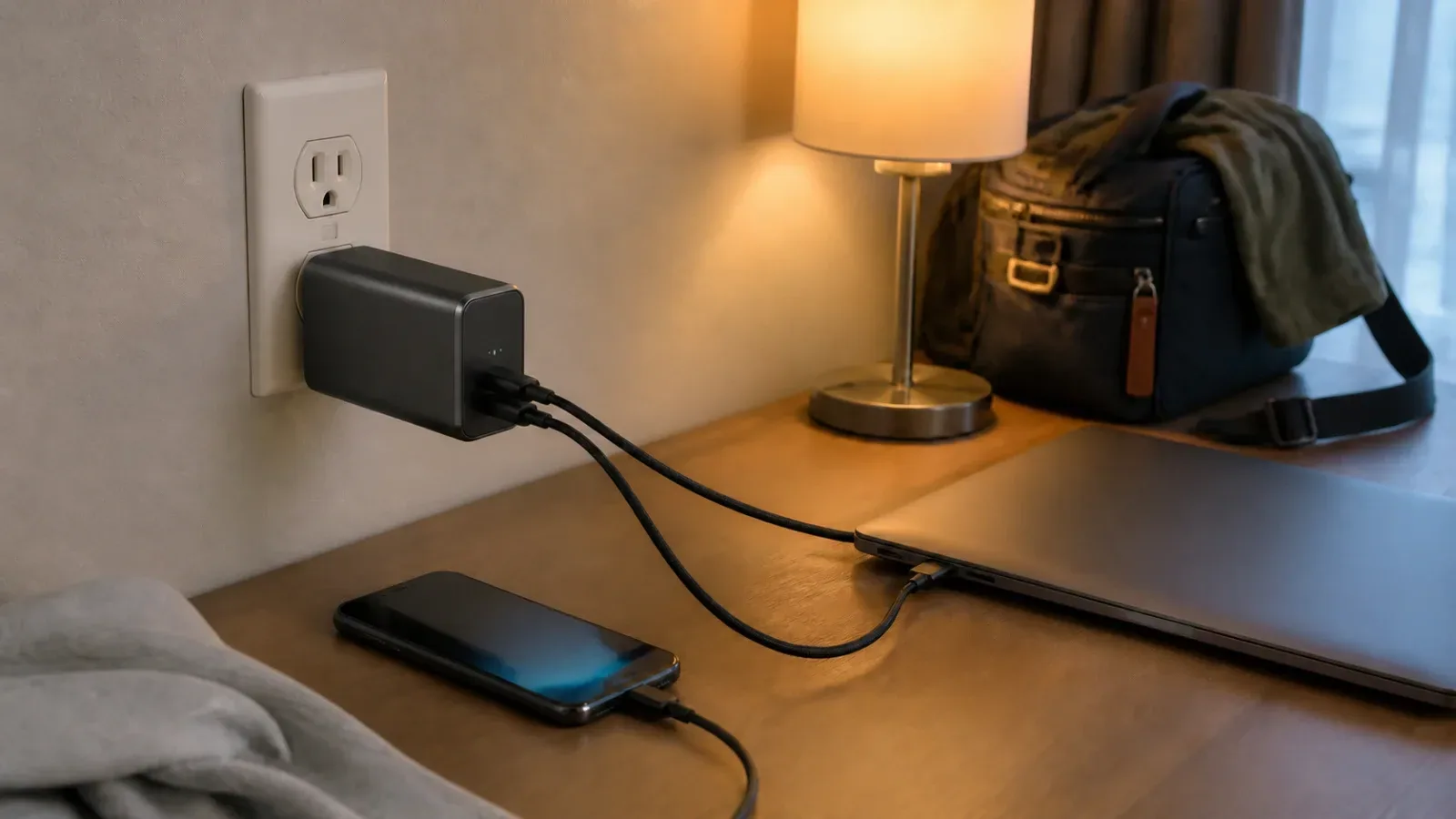
The Anker Prime Power Bank 9.6K Fusion is the most unusual suggestion in Anker's guide. It combines a 65W two-port wall charger with a 9,600mAh battery. Anker lists it at 305 grams, about 10.76 ounces, and its page showed $89.99 when checked.
That is not especially light for a roughly 10K bank. Its value is replacing two objects: a travel wall charger and a battery. If I were flying to an event with a USB-C laptop, charging at a hotel, and then carrying the same device through the day, this could simplify the kit.
If I only need phone power inside a local stadium, I would rather compare lighter 10K banks. The hybrid's 65W output and AC plug solve travel and laptop problems; they do not make the venue ticket scan work any better.
Belkin sells a smaller 5K hybrid wall charger and battery, but that is a different capacity and power class. I would not pretend it is a direct one-for-one alternative to the Anker 9.6K Fusion.
Option 4: A 25K Bank for Groups, Tailgates, and Laptops
This is the category where impressive specifications can talk me into carrying more than a pound of battery.
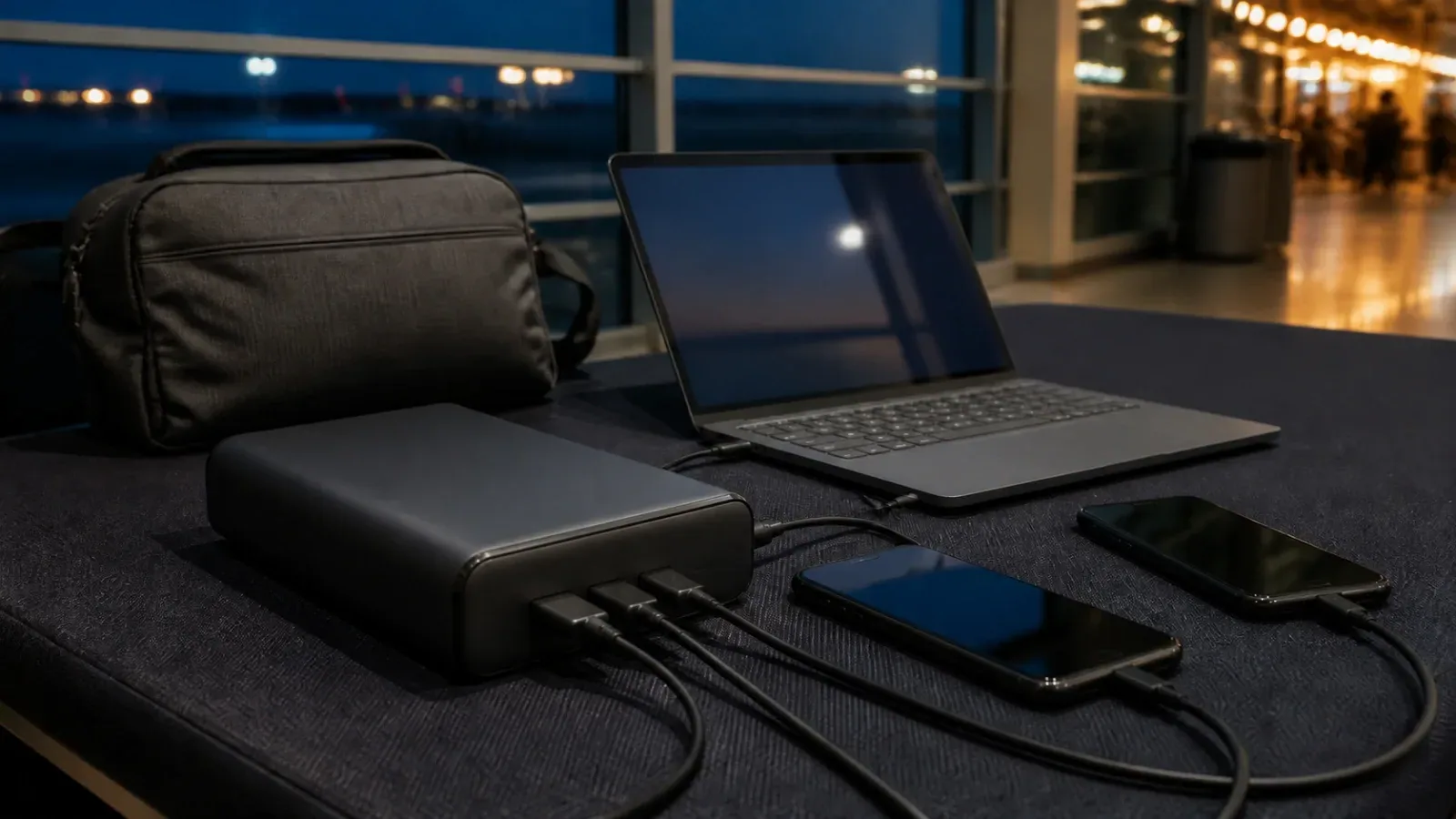
The Anker Laptop Power Bank 25K lists 25,000mAh or 90Wh, 165W maximum combined output, up to 100W from a USB-C connection, two built-in cables, four-device charging, and a weight of 595 grams or 21 ounces. Its page showed $119.99 when checked.
The UGREEN Nexode 25K 200W also lists 25,000mAh or 90Wh. It has two USB-C ports, one USB-A port, up to 200W combined output, up to 140W from its primary USB-C port, a detailed display, and a listed weight of 609 grams. Its page showed $129.99 before temporary promotions when checked.
Anker's advantage is built-in cable convenience. UGREEN's advantage is the higher listed single-port and combined ceiling. Both are about 1.3 pounds before adding anything else to the bag.
I would consider this size only if at least one of these is true:
- I need to power a compatible laptop during the travel portion of the day.
- Several people will share the bank.
- I am charging cameras, a tablet, or other devices in addition to a phone.
- I am on a multi-day trip with limited dependable outlets.
For one phone inside one event, this is probably overbuying. It may also be the wrong physical choice for a venue that encourages pocket-only entry or restricts bags, even if the battery itself is not named on a prohibited list.
The Safety Check Belongs in the Buying Decision
Any lithium-ion power bank can fail if it is defective, recalled, damaged, overheated, wet, or improperly packed. That is not a reason to panic. It is a reason to check the exact model instead of trusting a logo.
The U.S. Consumer Product Safety Commission announced an Anker recall in September 2025 covering model numbers A1647, A1652, A1257, A1681, and A1689. That does not mean every Anker battery is recalled, and it does not prove another brand cannot have a problem. It means model and serial numbers matter.
Before using any bank:
- Search the CPSC and manufacturer recall pages for the exact model and serial number.
- Do not use a bank that is swollen, cracked, leaking, unusually hot, or physically damaged.
- Keep it out of a hot parked car and away from direct summer sun.
- Make sure the capacity or Wh label remains readable.
- Test the bank, cable, and phone together before the event.
- Follow the manufacturer's instructions for charging, storage, and disposal.
Flying to the Event Adds a Separate Rule
The FAA's current PackSafe lithium-battery guidance says power banks are spare lithium batteries and must be in carry-on baggage, not checked baggage. Lithium-ion batteries are generally limited to 100Wh each without airline approval, and airlines may impose stricter limits.
That is why the 25K examples above emphasize a 90Wh rating. Still, a manufacturer's “flight approved” phrase is not a substitute for checking the label and the current airline policy. If a carry-on is gate-checked, remove the power bank and keep it with you in the cabin. Do not fly with a damaged or recalled battery.
My Event-Morning Loadout
The power bank is only one piece of this.
- Add the mobile ticket to the supported wallet or app before leaving home.
- Recheck the venue's bag and prohibited-items pages for that event.
- Charge the phone and power bank fully.
- Test the exact cable, case, adapter, and charging mode.
- Download maps or pickup details that may help if service is crowded.
- Turn on battery saver before the phone reaches the danger zone and lower unnecessary screen brightness.
- Carry the smallest bank that closes the actual battery gap.
For me, the sensible starting point is still a 10K wired bank with USB-C, enough output for my phone, and either a built-in cable I like or a short cable I trust. The 5K magnetic models are appealing for convenience. The 25K models are appealing because big numbers are very good at their job. I am trying not to buy the numbers.
Final Thought
Anker's article is right about the problem: an event day is longer than the event, and the phone has more jobs than it used to. The neutral version of the advice is to match the battery to the day instead of matching the shopping cart to one brand.
Check the venue first. Measure your real battery gap. Compare the connection, usable size, weight, Wh label, recall status, and multi-device behavior. Then buy the smallest configuration that gets the ticket scanned and still leaves enough power to find the ride home.
That is the power bank I am looking for too.
Sources and Method
This article compares manufacturer-published specifications from Anker, Belkin, UGREEN, and NITECORE, checked August 15, 2026. Prices are snapshots from manufacturer pages and can change. Rules come from the NFL, FAA, and CPSC pages linked above. No product was supplied, purchased, bench-tested, or ranked through affiliate compensation for this article.